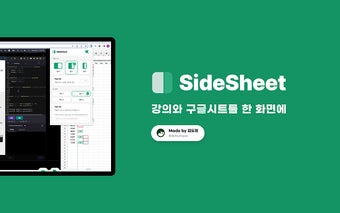
Side Sheet: Chrome Extension for Viewing Alice Lectures and Google Sheets Together
Side Sheet is a Chrome extension that allows users to view Alice lectures and Google Sheets on the same screen. With this extension, users can easily access both the Alice lectures and their Google Sheets without having to switch between tabs or windows.
The main features of Side Sheet include the ability to turn the side sheet on or off using the extension button at the top. This allows users to easily toggle the side sheet functionality as needed. Additionally, there is a hide function available by clicking the Excel button at the bottom right corner of the screen. This allows users to hide or show the side sheet as desired.
Side Sheet also offers the option to adjust the width of the side sheet. Users can choose between "Wide," "Normal," or "Narrow" width settings using the provided buttons. There is also an option to set a custom width in percentage.
Furthermore, Side Sheet provides a source configuration feature. Users can open their own Google Spreadsheet corresponding to their class by clicking the "Class Button." Alternatively, they can manually input the URL of their desired Google Spreadsheet to set it as the source.
Please note that the current version of Side Sheet is 1.0.0, and it is available for free.